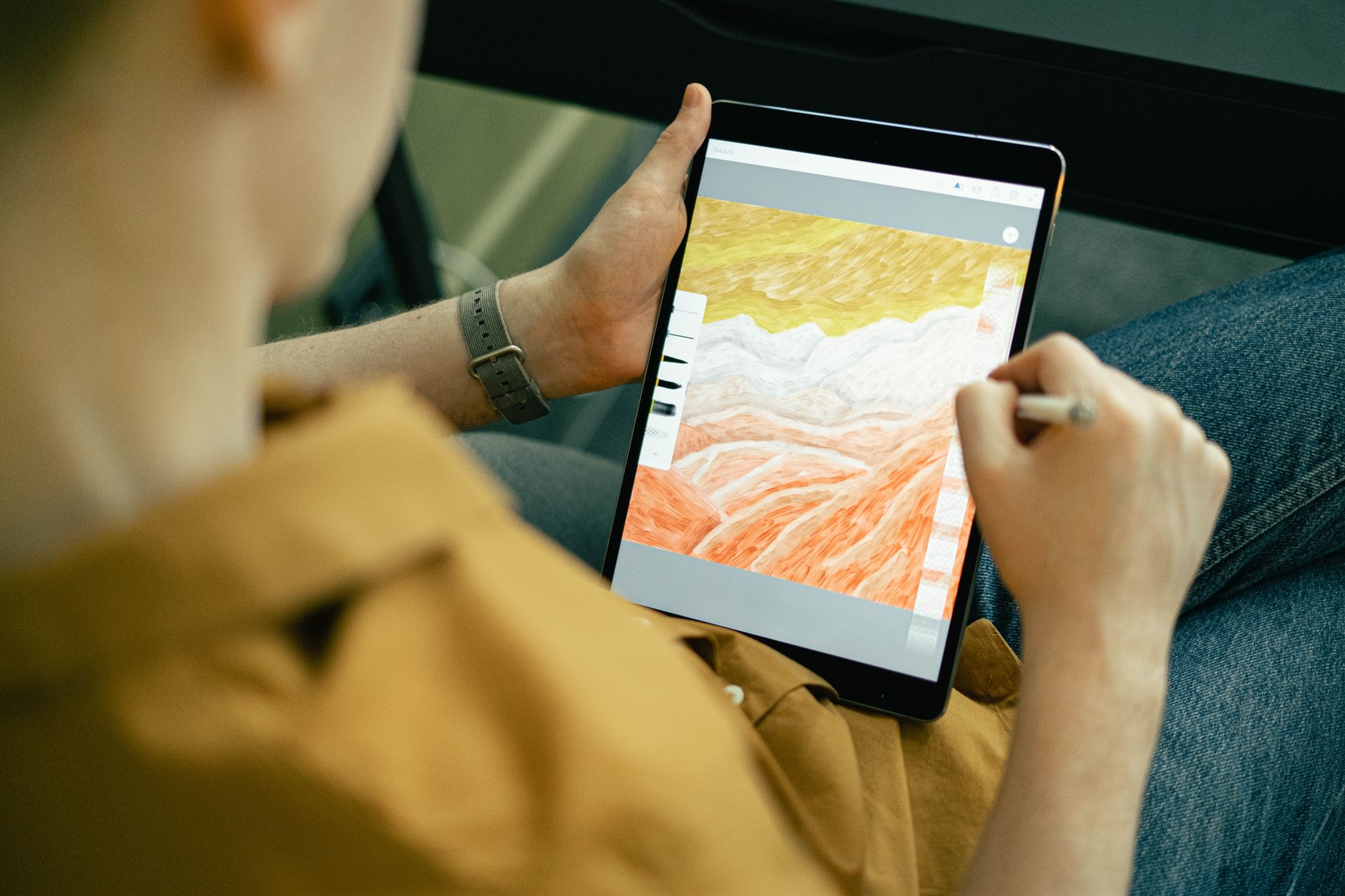
The Best Budget Tablets for Drawing 2026 That Actually Deliver Precise Lines
Most budget drawing tablets fail at offering accurate stylus responsiveness or decent screens at a reasonable price. This list highlights the best budget tablets for drawing 2026 that balance precision, performance, and affordability without cutting critical corners.
🔝 Top Picks at a Glance

Samsung Galaxy Tab S6 Lite 2022 Edition
Combines a vibrant 10.4-inch display with an included S Pen stylus, offering smooth drawing experiences for beginners and hobbyists alike.

XP-Pen Artist 12 Pro Drawing Tablet
Features a high-quality 11.6-inch display and battery-free stylus, perfect for artists who want a dedicated drawing tablet at a budget price.
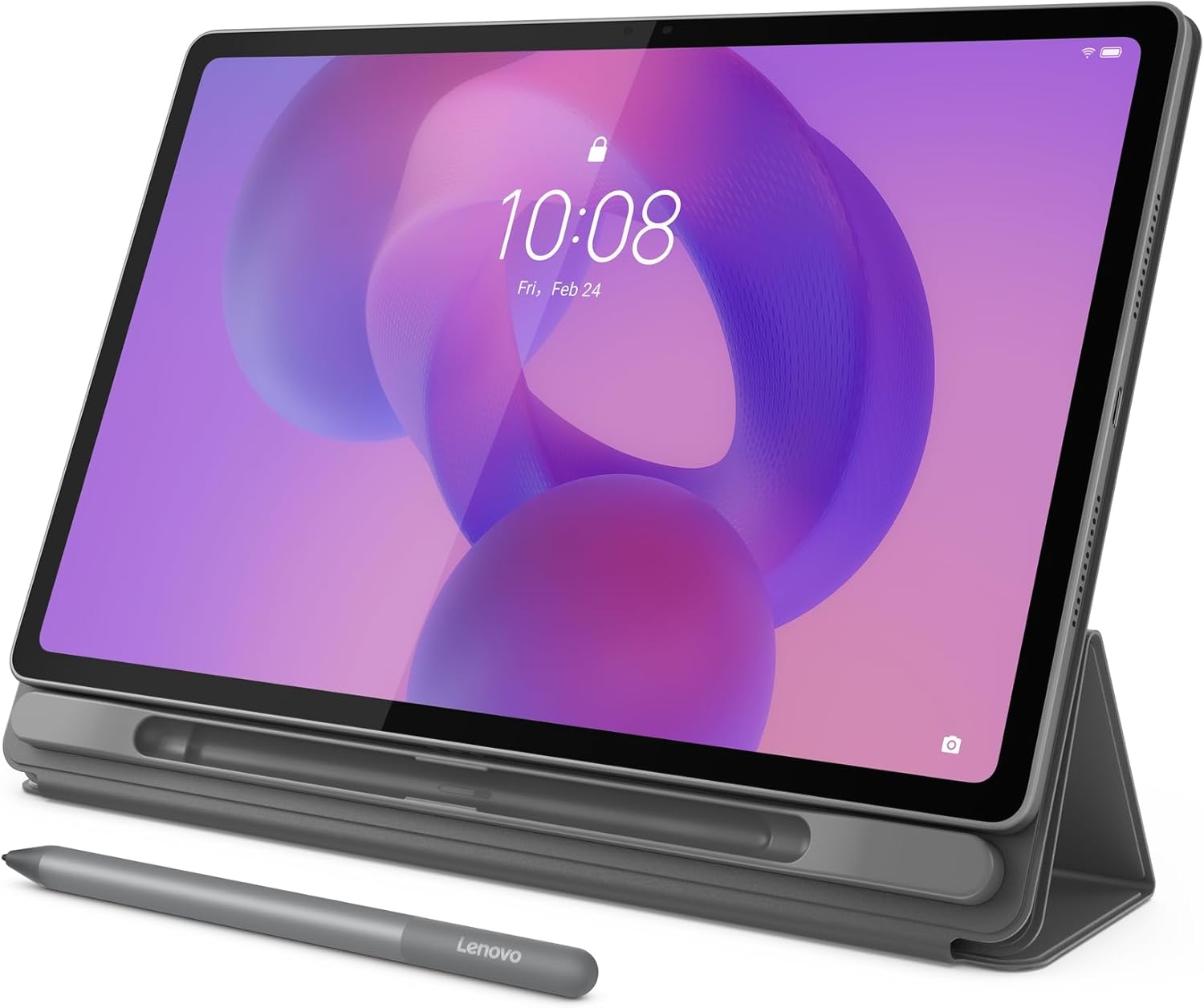
Lenovo Tab P11 Plus Tablet
Offers a sharp 11-inch display with a compatible Lenovo Precision Pen, delivering solid performance for creatives on a budget.
🧠 What to Look for Before You Buy
Choosing the best budget tablet for drawing in 2026 is more nuanced than just chasing the lowest price or the highest specs. Many budget tablets either skimp on stylus accuracy or have displays that don’t offer the color fidelity and responsiveness artists need, making the drawing experience frustrating rather than enjoyable.
Stylus Responsiveness and Pressure Sensitivity
A tablet’s stylus responsiveness and pressure sensitivity make or break the drawing experience. Look for tablets with at least 2048 levels of pressure sensitivity and minimal parallax (the gap between the stylus tip and the cursor). The difference between a cheap passive stylus and an active, battery-free pen can be night and day for line quality and shading precision.
Display Quality and Size
A good drawing tablet needs a screen that’s bright enough with accurate colors and minimal glare. Tablets under $300 often compromise on resolution or screen brightness to hit price points, so prioritize models with at least a 1920x1200 resolution and an IPS panel. Screen size matters too; anything under 10 inches can feel cramped, while above 11 inches usually hits a sweet spot for detail work.
Connectivity and Compatibility
Check if the tablet supports the drawing software you use (Photoshop, Clip Studio Paint, etc.) and if it connects easily to your PC, Mac, or works standalone. Some tablets require proprietary drivers, which can be finicky at budget levels. Testing compatibility beforehand or reading up on user reviews can save frustration.
Warranty and Customer Support
Budget tablets vary widely in warranty and after-sales support quality. Some brands offer solid 1-year warranties with responsive customer service; others have limited support, making repairs or replacements difficult. Spending a little more on a known brand often pays off in peace of mind.
If you're also shopping for car-related tech, our Affordable Car Tech for New Drivers 2026 – Smart, Practical Gadgets Under $100 covers the best picks.
🟦 Samsung Galaxy Tab S6 Lite 2022 Edition — Best Overall
Samsung’s Galaxy Tab S6 Lite is known for balancing premium features with affordability, and the 2022 edition continues this trend by including the S Pen stylus right in the box. It edges out competitors by offering a crisp 10.4-inch display with low latency stylus input, making it stand out as the best overall budget tablet for drawing in 2026.
Who it's for
Ideal for beginners and intermediate artists who want a versatile tablet that doubles as a media device, without paying flagship prices.
Real-world performance
The included S Pen offers 4096 levels of pressure sensitivity and virtually zero lag, which feels natural for sketching and note-taking. The 10.4-inch TFT LCD screen provides vibrant colors and sharp detail, though it’s not AMOLED, so blacks aren’t deep. Battery life comfortably lasts a full day of drawing or browsing. One downside is the plastic back, which feels less premium but keeps weight down.
Value assessment
At around $280-$300, it’s a bit pricier than the cheapest options but delivers a full Android tablet experience with a stylus that rivals some standalone drawing tablets. You get a device that’s not just for art but also excellent for streaming, reading, and casual use.
Verdict: The Samsung Galaxy Tab S6 Lite 2022 Edition is the best overall budget drawing tablet that offers a real pen experience and a bright, responsive screen without breaking the bank.
🟩 XP-Pen Artist 12 Pro Drawing Tablet — Best Budget Pick
XP-Pen’s Artist 12 Pro is a dedicated drawing tablet with a built-in display, providing a compact 11.6-inch digital canvas and a battery-free stylus. It’s the best budget pick for those prioritizing pure drawing performance over tablet versatility.
Who it's for
Perfect for beginner to intermediate digital artists who want a drawing monitor without paying for high-end models like Wacom, and who already have or plan to use a computer.
Real-world performance
The 1920x1080 IPS screen delivers good color accuracy, and the stylus supports 8192 pressure levels with tilt recognition, which is impressive for this price. The pen feels natural with minimal lag, but the screen’s 11.6-inch size is a bit small for detailed work. Setup requires a PC or Mac, as it’s not a standalone tablet, and some users report driver installation quirks.
Value assessment
Priced around $230-$250, it offers a focused drawing experience at a fraction of the cost of premium drawing displays. While it lacks the portability of standalone tablets, it gives you professional-level stylus features that most budget tablets can’t match.
Verdict: XP-Pen Artist 12 Pro is the best budget drawing tablet for artists who want a quality pen display without paying a premium.
🟨 Lenovo Tab P11 Plus Tablet — Best Long-Term Value
Lenovo’s Tab P11 Plus blends a sharp 11-inch 2K display with solid build quality and compatibility with the Lenovo Precision Pen 2. It’s a reliable all-around budget tablet that’s worth the modest investment for durability and performance over time.
Who it's for
Ideal for creatives who want a multipurpose tablet with drawing capabilities that can also handle media, productivity, and casual use without frequent upgrades.
Real-world performance
The 11-inch 2K IPS display offers crisp visuals with good color accuracy, suitable for drawing and graphic work. While the Precision Pen 2 (sold separately) supports 4096 pressure levels, it’s a worthy investment for smooth, natural strokes. Performance is solid with a mid-range MediaTek processor, but it’s not as fluid as the Samsung S6 Lite in stylus latency. Compared to the XP-Pen Artist 12 Pro, it lacks a built-in drawing display but wins on portability and tablet versatility.
Value assessment
Although the pen is an additional purchase, the Tab P11 Plus offers long-term value through its solid hardware and software support, making it a smart choice if you want a tablet that lasts beyond just drawing. It’s priced in the $230-$280 range depending on configuration.
For more on budget Android tablets, see our Best Budget Android Tablet Under $300 (2026) – Expert Picks for Performance and Value.
Verdict: Lenovo Tab P11 Plus delivers the best long-term value for artists seeking a multipurpose tablet with reliable drawing performance.
📊 Side-by-Side Comparison
Samsung Galaxy Tab S6 Lite 2022 Edition
- Included S Pen with 4096 pressure levels
- Bright 10.4-inch display
- Versatile Android tablet
XP-Pen Artist 12 Pro Drawing Tablet
- Battery-free stylus with 8192 pressure levels
- 1080p color-accurate display
- Compact and portable drawing monitor
Lenovo Tab P11 Plus Tablet
- Sharp 11-inch 2K IPS display
- Compatible with Lenovo Precision Pen 2
- Solid build quality and software support
*Prices are approximate and may change. Always check the live price on Amazon before buying.
✅ Our Recommendation
For most budget shoppers seeking a tablet that balances drawing precision with everyday use, the Samsung Galaxy Tab S6 Lite 2022 Edition is the clear winner thanks to its included stylus and versatile Android system. If you want a dedicated drawing monitor and already use a PC or Mac, XP-Pen Artist 12 Pro offers excellent pen performance at a lower price. For those focused on durability and multi-use over time, Lenovo Tab P11 Plus with the Precision Pen is the best long-term bet.
- Best overall: Samsung Galaxy Tab S6 Lite 2022 Edition — versatile with included pen and great screen
- Best budget pick: XP-Pen Artist 12 Pro — dedicated drawing display with professional pen features
- Best long-term value: Lenovo Tab P11 Plus — solid build and performance with optional pen
Before you buy, you might also want to check out our Affordable Magnetic Car Mounts Under $30 (2026) – Secure, Practical, and Budget-Savvy Picks for complementary tech upgrades.
❓ Frequently Asked Questions
What are the key differences between a standalone drawing tablet and a pen display?
Standalone tablets like the Samsung Galaxy Tab S6 Lite run their own OS and apps, meaning you can draw anywhere without a PC. Pen displays like the XP-Pen Artist 12 Pro require connection to a computer and act as an external monitor, offering better pen precision but less portability. For budget buyers, pen displays often deliver higher pressure sensitivity but less flexibility.
Is the Samsung Galaxy Tab S6 Lite worth the extra cost over cheaper tablets?
Yes, the included S Pen with high-pressure sensitivity and the tablet’s bright, responsive screen justify the premium for artists wanting a natural drawing feel. Cheaper tablets often require buying a stylus separately or have less accurate touch response, which hampers detailed artwork.
Can I use these tablets with popular drawing software like Adobe Photoshop or Procreate?
The Samsung and Lenovo tablets run Android, supporting apps like Adobe Photoshop Sketch and Autodesk SketchBook, but not iOS-exclusive apps like Procreate. The XP-Pen Artist 12 Pro connects to Windows or macOS and works with full desktop software including Photoshop, Clip Studio Paint, and Krita.
How important is screen size for drawing tablets under $300?
Screen size affects comfort and detail work; under 10 inches can feel cramped for sketching complex drawings, while 10-12 inches is the sweet spot balancing portability and workspace. Larger screens are rare and expensive in the budget bracket.
Should I wait for sales to buy a budget drawing tablet, or will prices stay stable?
Budget tablet prices fluctuate moderately, with notable deals during back-to-school and holiday sales. For related budget tech, see our Best Budget Car Tech Gadgets 2026 – Smart, Practical Picks That Keep Your Ride Connected for smart buys that also save money.